About Teachmint X75 neo special edition
Heres a professional Tradeindia-style product description for the Teachmint Neo Special Edition 75-inch Interactive Flat Panel:
---
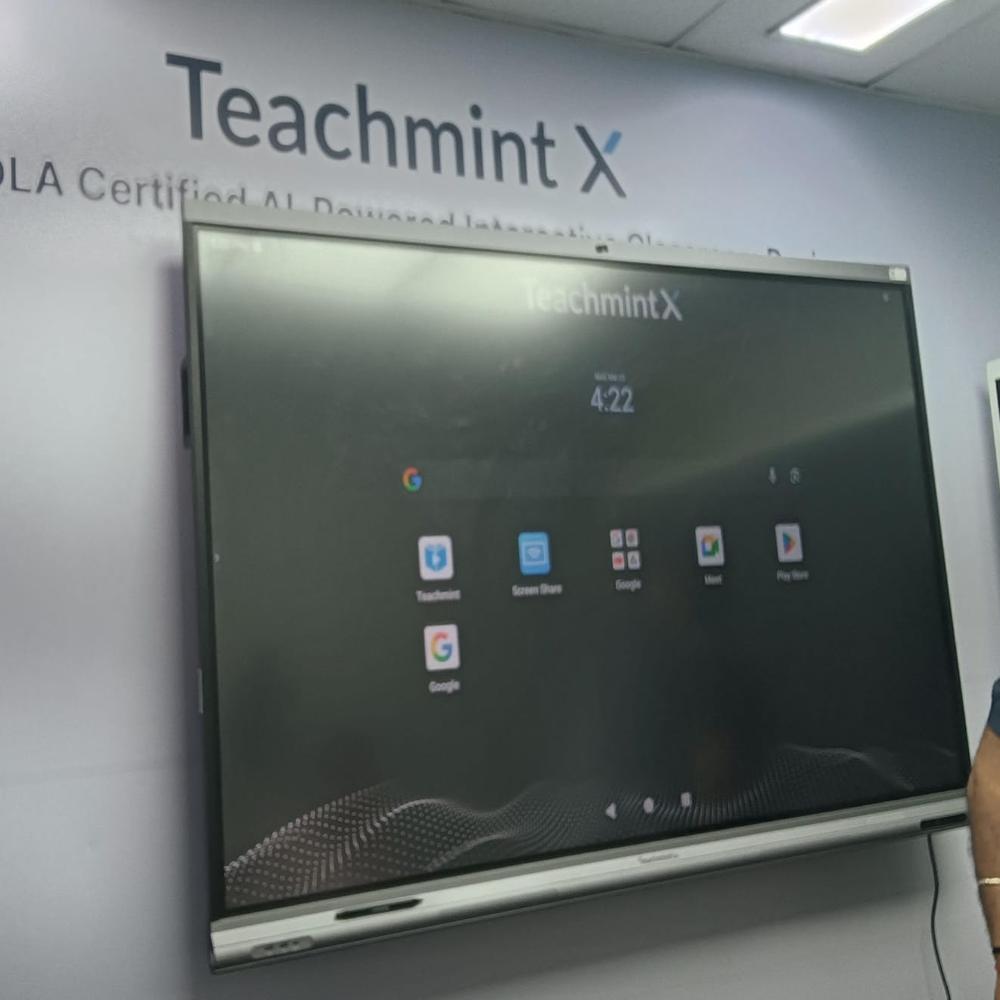
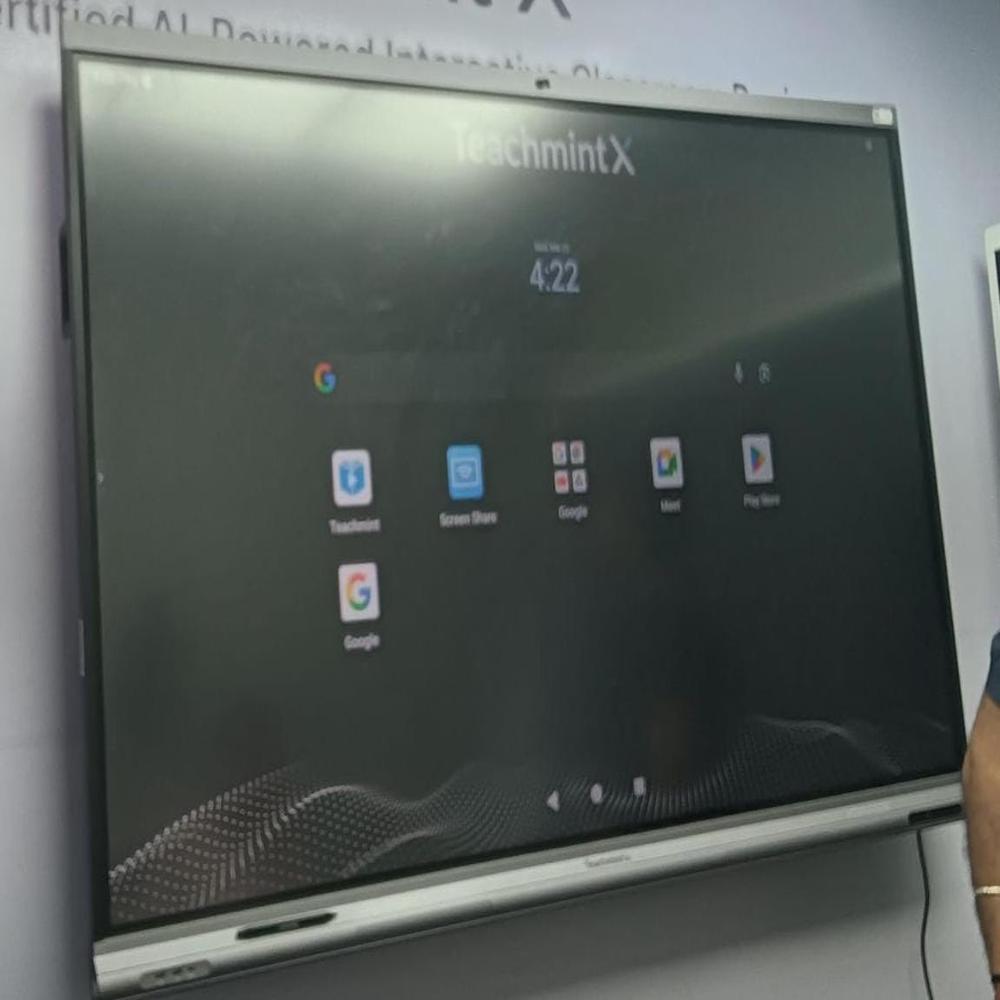
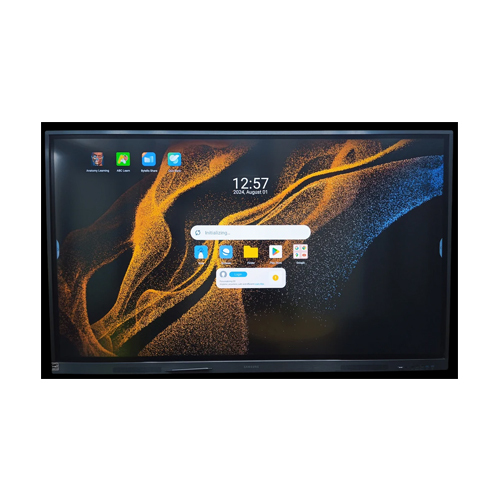
*Teachmint Neo Special Edition 75 Inch Interactive Flat Panel*
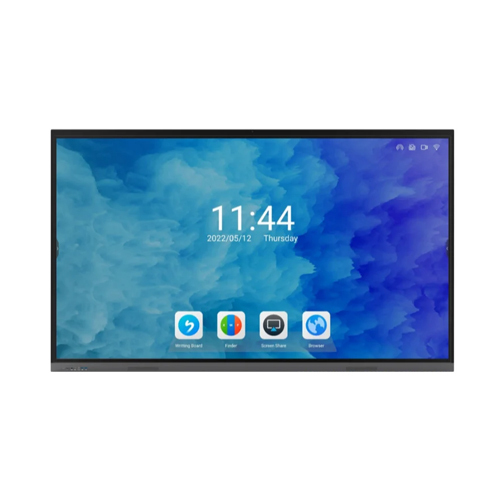
The Teachmint Neo Special Edition 75-inch Interactive Flat Panel is a premium smart display solution designed for large classrooms, lecture halls, and corporate meeting spaces. Featuring a massive 75-inch Ultra HD (4K) display, it delivers exceptional clarity, vibrant visuals, and an immersive viewing experience, ensuring every student or participant can clearly see the content from any corner of the room.
Integrated with Teachmints advanced digital teaching ecosystem, this panel comes with built-in educational tools such as a digital whiteboard, screen recordin
Superior Visual PerformanceExperience breathtaking clarity and vividness with a 75-inch A+ Grade LED panel supporting 4K Ultra HD resolution and 350-400 nits brightness. The anti-glare surface and wide 178-degree viewing angle ensure content is visible from every corner of the room, making it ideal for group discussions and collaborative environments.
Efficient Multi-touch InteractionLeverage 20-point multi-touch IR technology for seamless simultaneous collaboration by multiple users. Whether annotating, drawing, or navigating, the X75 neo's responsive surface (<6ms response time) ensures smooth, lag-free interaction, ideal for dynamic classroom activities and business brainstorming sessions.
Versatile Connectivity and Dual OSSwitch effortlessly between Android 11 and Windows 10/11, enabling compatibility with a wide array of apps and software. Multiple connectivity ports (HDMI, USB, VGA, LAN, Wi-Fi, Bluetooth) allow integration with various devices, making setup hassle-free for educators and professionals alike.
FAQ's of Teachmint X75 neo special edition:
Q: How do I switch between Android and Windows operating systems on the Teachmint X75 neo special edition?
A: You can toggle between Android 11 and Windows 10/11 (if OPS is installed) directly from the device interface. Use the on-screen menu or dedicated input source button on the remote control for a seamless operating system switch.
Q: What are the main benefits of using the Teachmint X75 neo in educational and office settings?
A: The X75 neo enhances interactive learning and collaboration through its 4K resolution, 20-point multi-touch, and instant annotation functionality. Inbuilt high-fidelity speakers and wireless connectivity promote multimedia engagement, making lessons and meetings more impactful and participatory.
Q: Where can the Teachmint X75 neo special edition be installed and what mounting options are available?
A: This interactive board can be wall-mounted or placed on a compatible floor stand, making it adaptable for classrooms, conference rooms, and offices. The product includes a wall mount kit for convenient, secure installation.
Q: What connectivity options does the X75 neo provide for external devices and networks?
A: It includes HDMI, USB, VGA, LAN, Audio Out ports, Wi-Fi, and Bluetooth, supporting a broad range of connections to computers, projectors, sound systems, and networks for versatile integration.
Q: How can users annotate or interact with content on the display?
A: Users can interact directly on the screen using the provided stylus pens or fingers, thanks to its advanced 20-point IR touch functionality. This enables multiple participants to annotate, draw, and collaborate simultaneously, enhancing group activities and discussions.
Q: What process is involved for initial setup and power requirements?
A: Setting up is straightforward: securely mount the panel, connect to power (AC 100-240V, 50/60Hz), and attach any needed peripherals. The electric power consumption is under 200W for energy efficiency, and setup accessories like remote control, pens, and power cable are included.
Q: When is it necessary to expand storage or upgrade the system?
A: For most standard applications, 4GB RAM and 32GB ROM suffice. However, if you require more storage or Windows OS functionalities, you can upgrade via OPS (Open Pluggable Specification) for hardware expansion and enhanced performance.









 Send Inquiry